
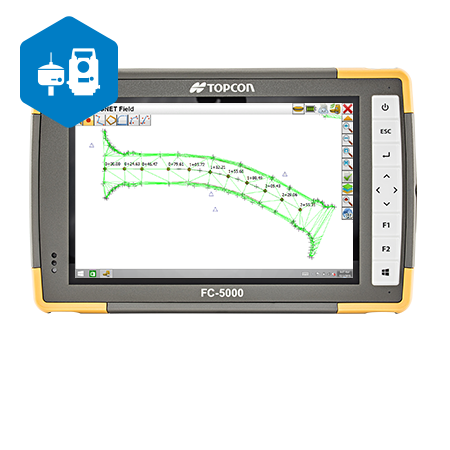

MAGNET Field is a powerful and intuitive field application software that enables you to collect survey mapping data and perform construction and road layout using total stations, levels, and GNSS receivers. MAGNET Field is easy to use. Perform topographic and layout operations with a supportive Microsoft Bing Maps satellite image background. Carry your custom CAD standards to the field with a single screen tap; the software will instantly draw three dimensional linework and symbols. Discover MAGNET Field features and benefits. MAGNET Field software is your user interface to our positioning tools. Collect land positioning data and perform construction, road layout, and land surveying, as well as GIS mapping while staying connected with your team. Using local Wi-Fi or integrated cellular connectivity, all mapping and positioning tasks can be performed on a vivid satellite image background giving you full visual context, and allowing you to get the full picture of your project at all times! Collect points, lines, areas, cross sections, surfaces, and auto topo points. Select Map or Measurement View and even record offset shots all while within Topo Survey. Whatever method of layout or stakeout you need, we have the solution for you. Point, Lines, Offsets, Roads, Surface, Slope, and Real-Time Roads are all available. See all the road stakeout information on one screen as you stake anywhere along the road design in real-time. Be more productive with Real-Time Roads information. Exchange data locally via USB stick, USB cable, or more commonly connect directly to your private and secure MAGNET Enterprise company account. Import and export with over 100+ industry file formats. Collect volume topography and generate contours, surfaces, and calculate volumes while in the field.
{"sku":"SKU|MAGNET_Field","model":"Model|MAGNET Field","feature_bullet_1":"Feature 1|Intuitive user interface","feature_bullet_2":"Feature 2|Advanced roading tool set","feature_bullet_3":"Feature 3|Vast library of Import / Export file formats","feature_bullet_4":"Feature 4|Calculate, contour, and compare surfaces","feature_bullet_5":"Feature 5|Surface staking with automatic Digital Terrain Model creation","product_brochure_url":"Product Brochure PDF URL|https://www.topconpositioning.com/sites/default/files/product_files/topcon_workplace_catalog_7010_2255_reva_sm_spreads_23.pdf"}